
Tools for clippers
11 tools
No tools match these filters. Try another task or turn off the free-plan filter.
- Clip long videosSponsored
OpusClip
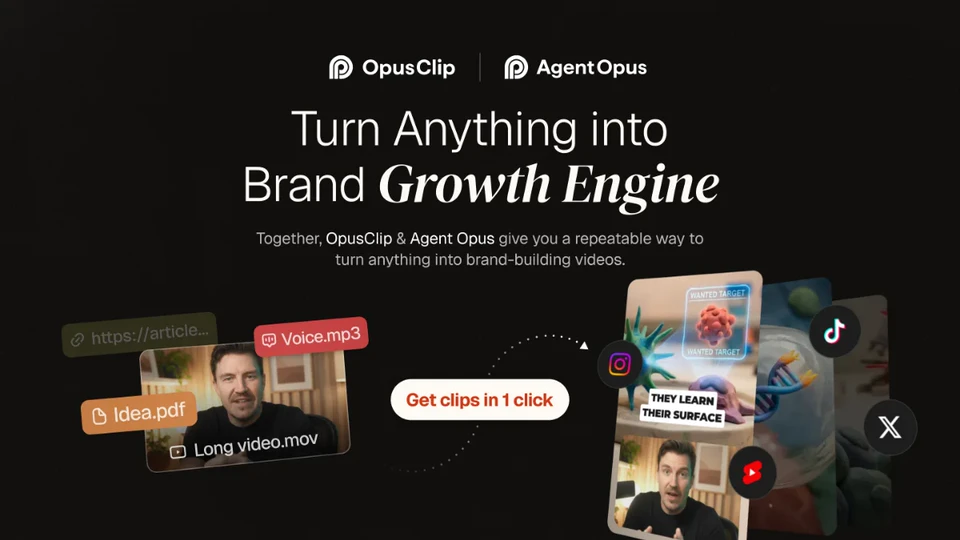
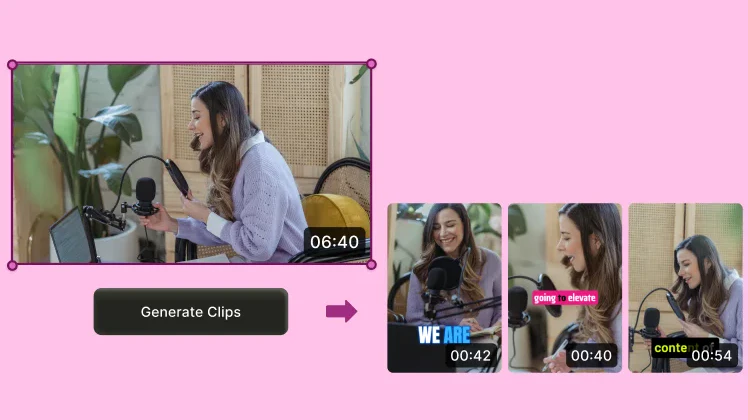
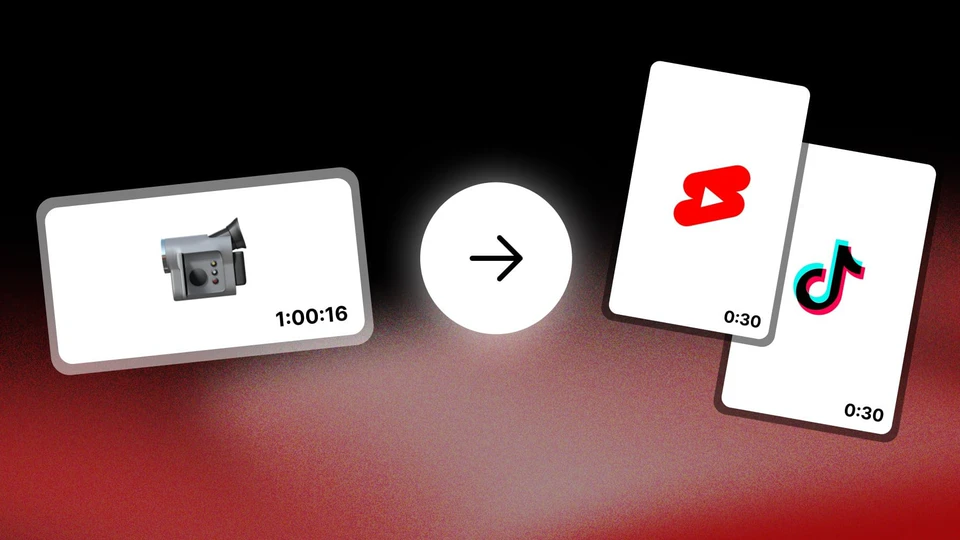
Upload a stream, a podcast or an interview and OpusClip finds the best moments, reframes them to vertical and captions them.
- Finds the moments
- Vertical reframing
- Free plan
Free plan · Free plan with 60 credits per month and a watermark.
Free plan · Starter $15 a month
- Schedule & measureSponsored
Metricool
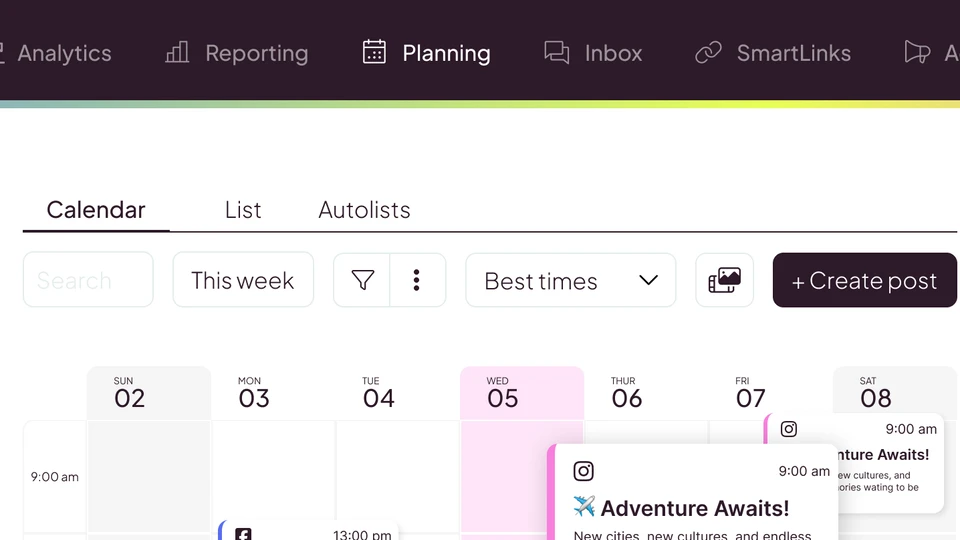
Organize edited clips, schedule their publication and review your social profiles' metrics. Useful for coordinating deliverables and sharing reports on paid plans.
- Calendar
- Analytics by network
- Paid PDF/PPT reports
Free plan · Free plan that never expires: 1 brand, 20 posts a month; no card.
Free: €0/month. Starter for 5 brands: €20/month billed monthly or €16/month equivalent billed annually, excluding VAT
- Caption & editSponsored
Submagic
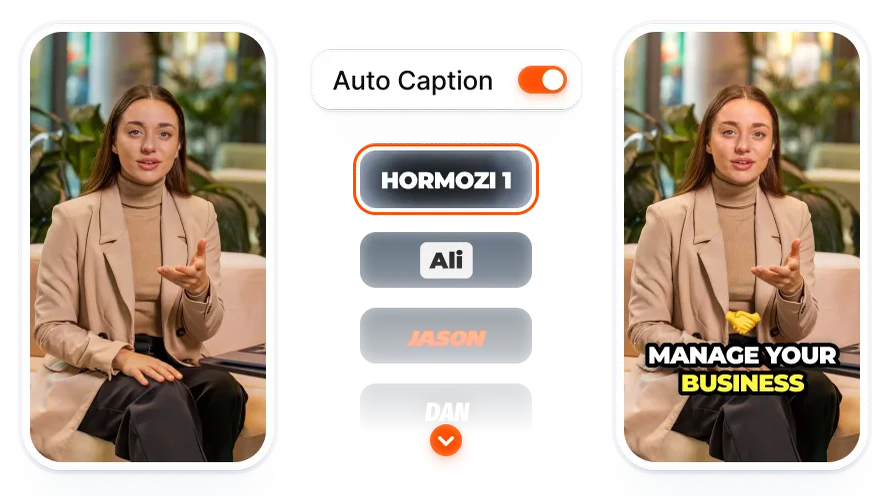
Caption your clips, fix the text and adjust the edit. Add cutaway footage with your plan's tools, then review the result before handing it over.
- Editable captions
- Text-based trimming
- B-roll by plan
Limited trial · No-card trial: 3 watermarked videos.
Starter $19 per member/month, billed monthly; $12 per member/month, billed annually
- Clip long videosSponsored
quso.ai
AI suggests moments from your long videos. Review the cuts, framing and captions before exporting.
- AI clips
- Editable captions
Free plan · Free plan: 75 credits a month, 720p with a watermark.
Free with a watermark · Lite from USD 29/month, billed monthly
- Clip long videosSponsored
SendShort
Turn podcasts, interviews or streams into clips and adjust their captions in the editor. Long-video clipping is included from Professional upwards.
- AI moment selection
- Captions and editor
- Translation from Professional upwards
Paid · Paid plans. No confirmed free trial.
Clipping: Professional $29 a month · $23/month equivalent with annual billing
- Clip long videosSponsored
Choppity
Turn recordings with conversation into suggested clips. Review cuts, captions and framing in the editor before downloading or scheduling with a paid plan.
- AI clip suggestions
- Transcript-based trimming
- Adjustable captions and framing
Limited free access · Free, no card, to generate, edit and preview; downloading requires a paid plan.
Starter: USD 20/month; USD 14/month equivalent with annual billing
- Clip long videosSponsored
vidIQ
Turn recordings with speech into vertical clips, review cuts and captions, and prepare titles and topics for YouTube with research tools built into the same platform.
- Moment selection and vertical reframing
- Cut and caption editing
- YouTube topic and title research
Free plan · Free plan: 150 shared credits a month; downloads carry a watermark.
Free: €0. Boost, 1 channel: €19/month billed monthly, or €16.58/month equivalent billed annually
- Caption & editSponsored
Descript
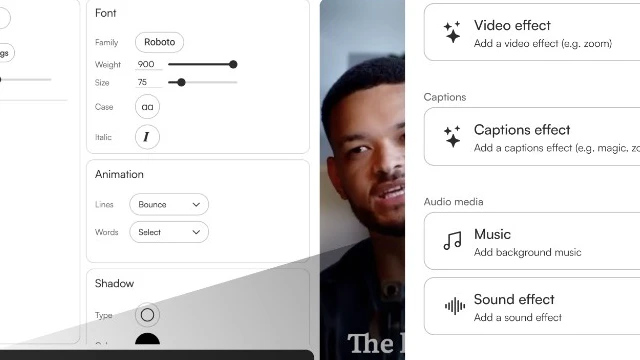
Transcribe your recording, cut the video by deleting lines from the text, and pull vertical captioned clips for social.
- Transcript-based editing
- AI clips and captions
- Transcription in 25 languages, Spanish included
Free plan · 60 media minutes a month; exports at 720p with a watermark.
Free: $0. Hobbyist: $16/month billed annually or $24 billed monthly. Creator: $24 or $35. Prices in US dollars from their site.
- Create AI videoSponsored
Agent Opus
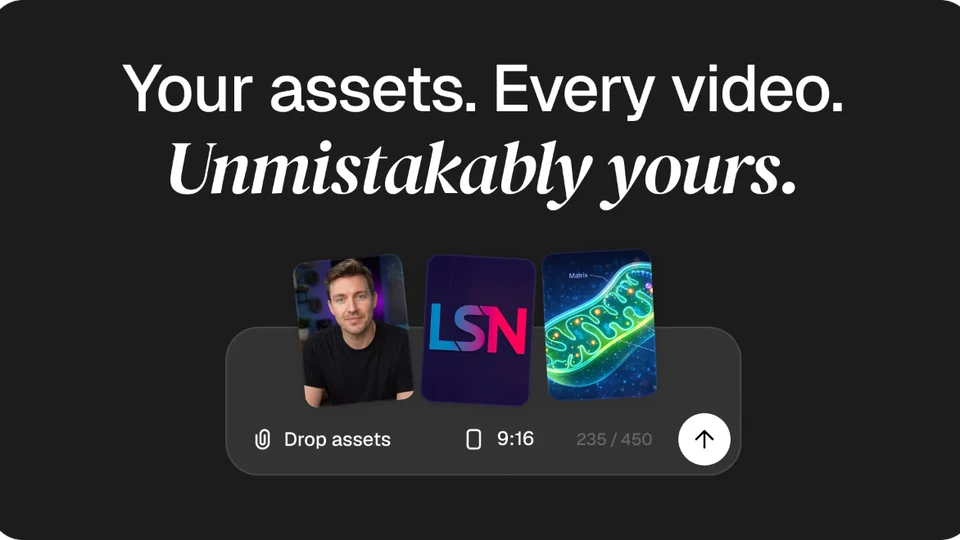
Give Agent Opus an idea, a script or an audio file and it hands you the finished video: visuals, voice, music and editing. You just post.
- No filming
- Many styles
- Free plan
Free plan · Free plan with 60 credits per month; no card required.
Start free · Pro $29 a month
- Clip long videosSponsored
Klap
Turns your long videos into vertical clips with reframing, in batches and hassle-free.
- Clips in batches
- Vertical reframing
- Analytics included
Limited trial · Try one initial video free; no card required.
Basic $14 a month billed yearly (100 clips)
 Clip long videosSponsored
Vizard
AI clips from your long videos, with reframing and captions, and the full editor already on the free plan.
- AI clips
- Reframing and captions
- Free plan
Free plan · Free plan with 60 credits per month and 720p exports.
Free: 60 credits a month · Creator $29 a month


How to choose
Starting with a long recording? Look at clipping. Already have your cut? Look at captions and editing. Starting with an idea? Explore AI video creation. Clips ready to go? Schedule and measure.
What is the difference between a free plan and a trial?
A free plan renews every month with a published allowance; a trial is limited initial access that does not renew. That's why the «With a free plan» filter only includes the former.
Can I deliver clips with a watermark?
Most free plans export with a watermark or at lower resolution. Before delivering to a campaign, check whether its rules allow it; if not, you need a paid plan.
Does a tool guarantee my clip gets approved?
No. Check each campaign's posting and delivery rules: format, length, captions, allowed footage and whether it accepts AI-generated content or scheduled posts. Only use footage you have permission to repurpose.
This section is advertising
Every tool on this page carries an affiliate link: if you subscribe from here, Clipper Hub earns a commission at no extra cost to you. That's what pays for the ranking, which stays free and where no campaign can buy its score. How Clipper Hub is funded.