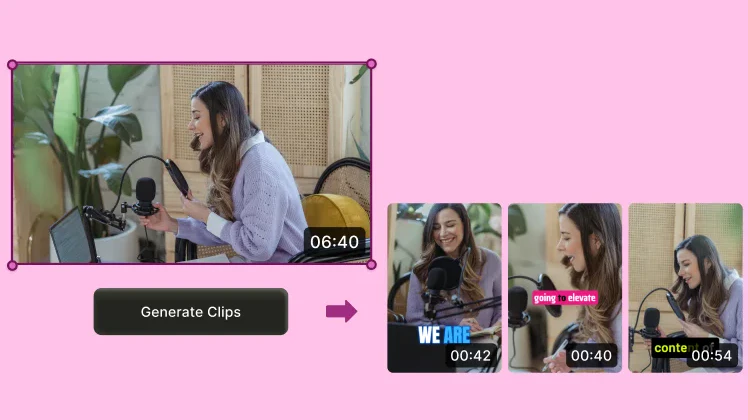
 Schedule and measure
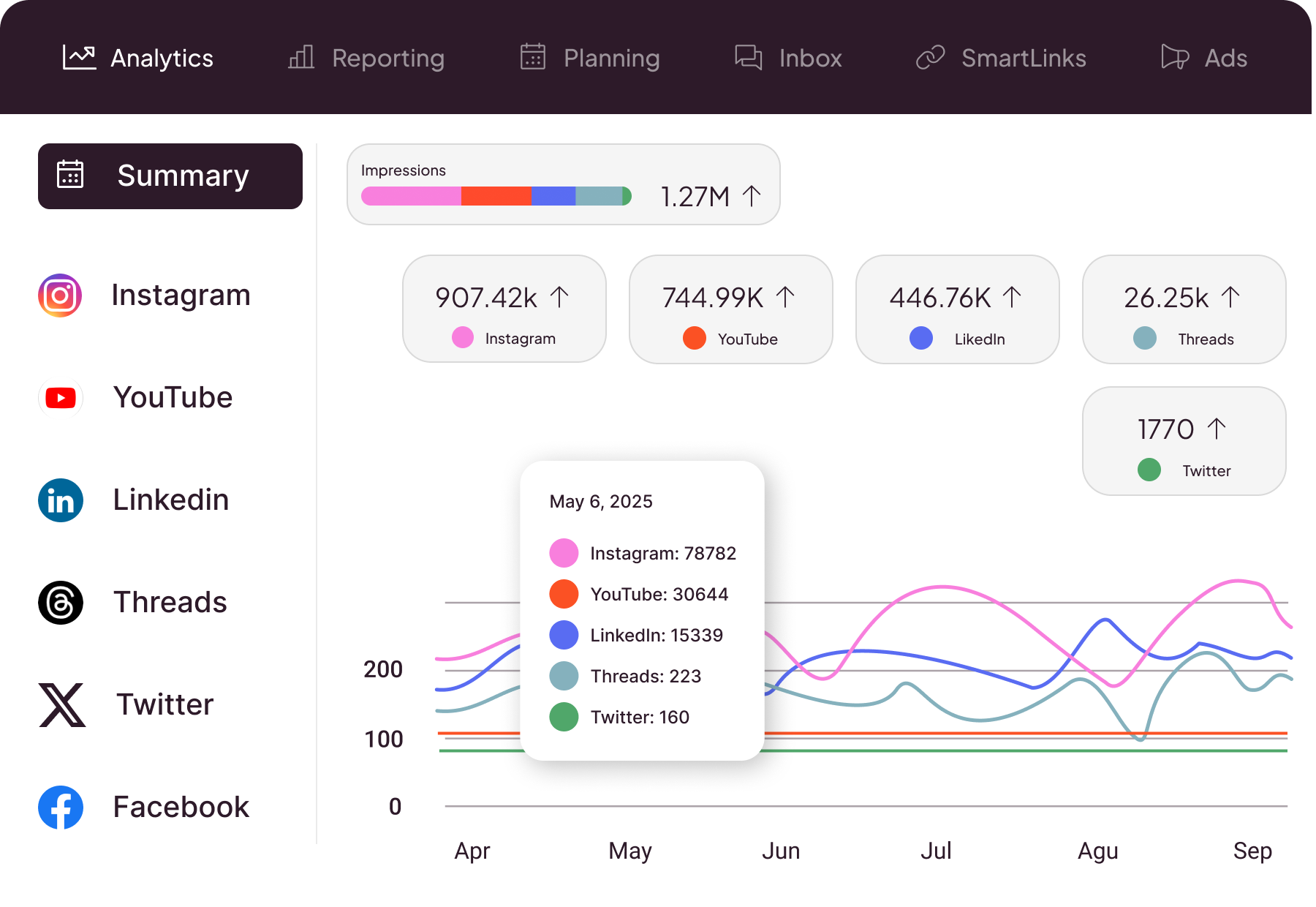
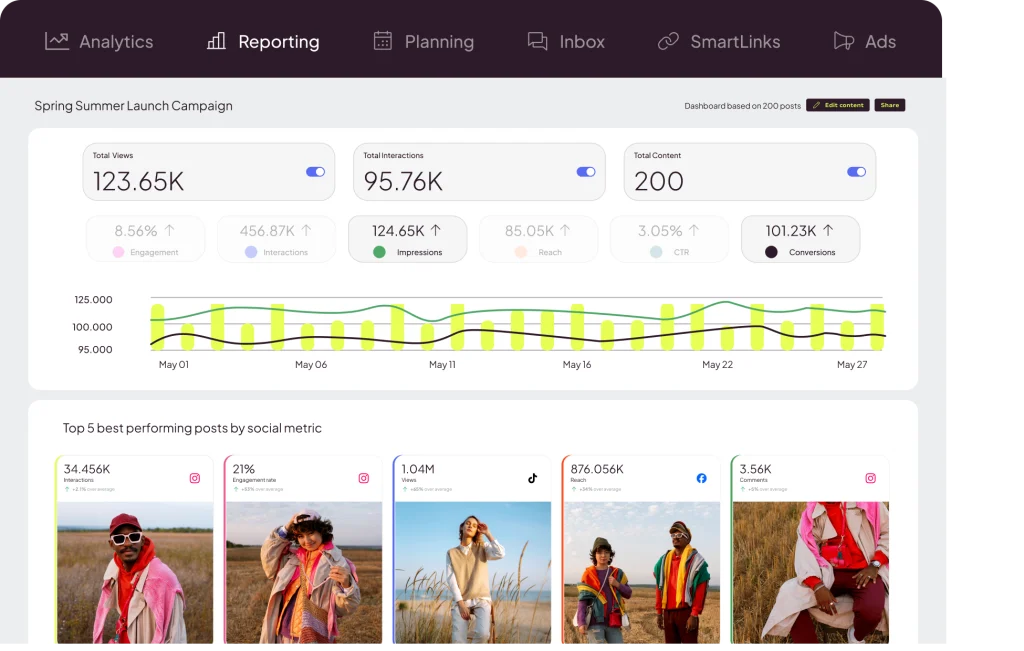
If you prepare clips from podcasts, interviews or streams, Metricool brings your social calendar and profile data into one workspace. Upload finished content, tailor the post to each network and review its performance from one dashboard.
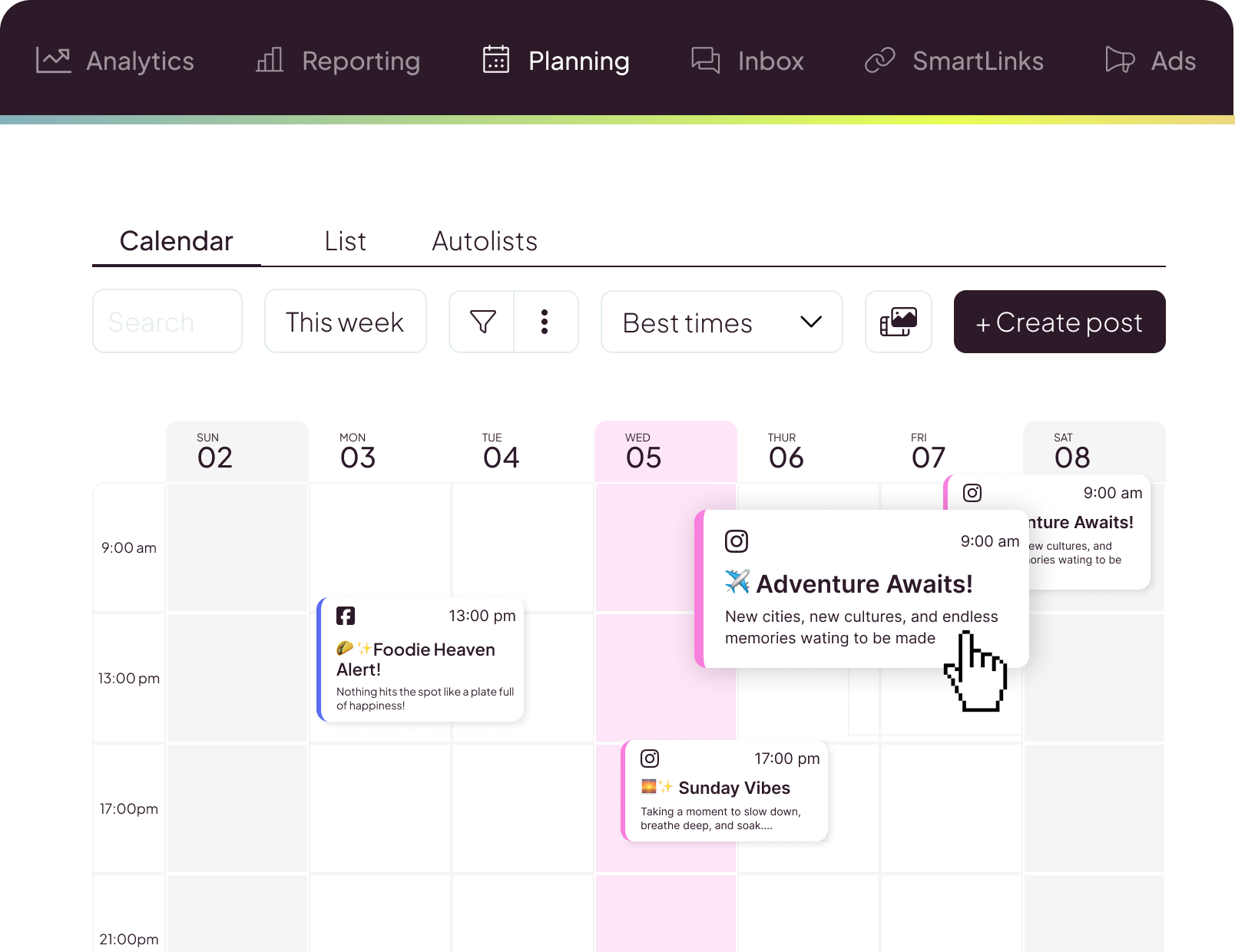
- Task
- Social media planning, publishing and analytics.
- Inputs
- Prepared videos and images, post text and connected profiles.
- Outputs
- Scheduled posts, metrics and, on paid plans, PDF/PPT reports.
- Access
- Ongoing free plan and paid subscriptions.
- Languages
- English and Spanish interface, among others.
- Where it fits
- After editing; it does not automatically extract moments from a long video.
From a finished clip to a published post
- 1. Connect your profiles.
Group one creator's or client's social accounts inside a Metricool brand.
- 2. Prepare the post.
Upload your edited clip, choose the networks and set the text and time.
- 3. Review and schedule.
Check the preview and publishing mode. Some native features require you to finish the post in the network's app.
- 4. Review the data.
Check the metrics available for each profile and decide which pieces to keep working on.
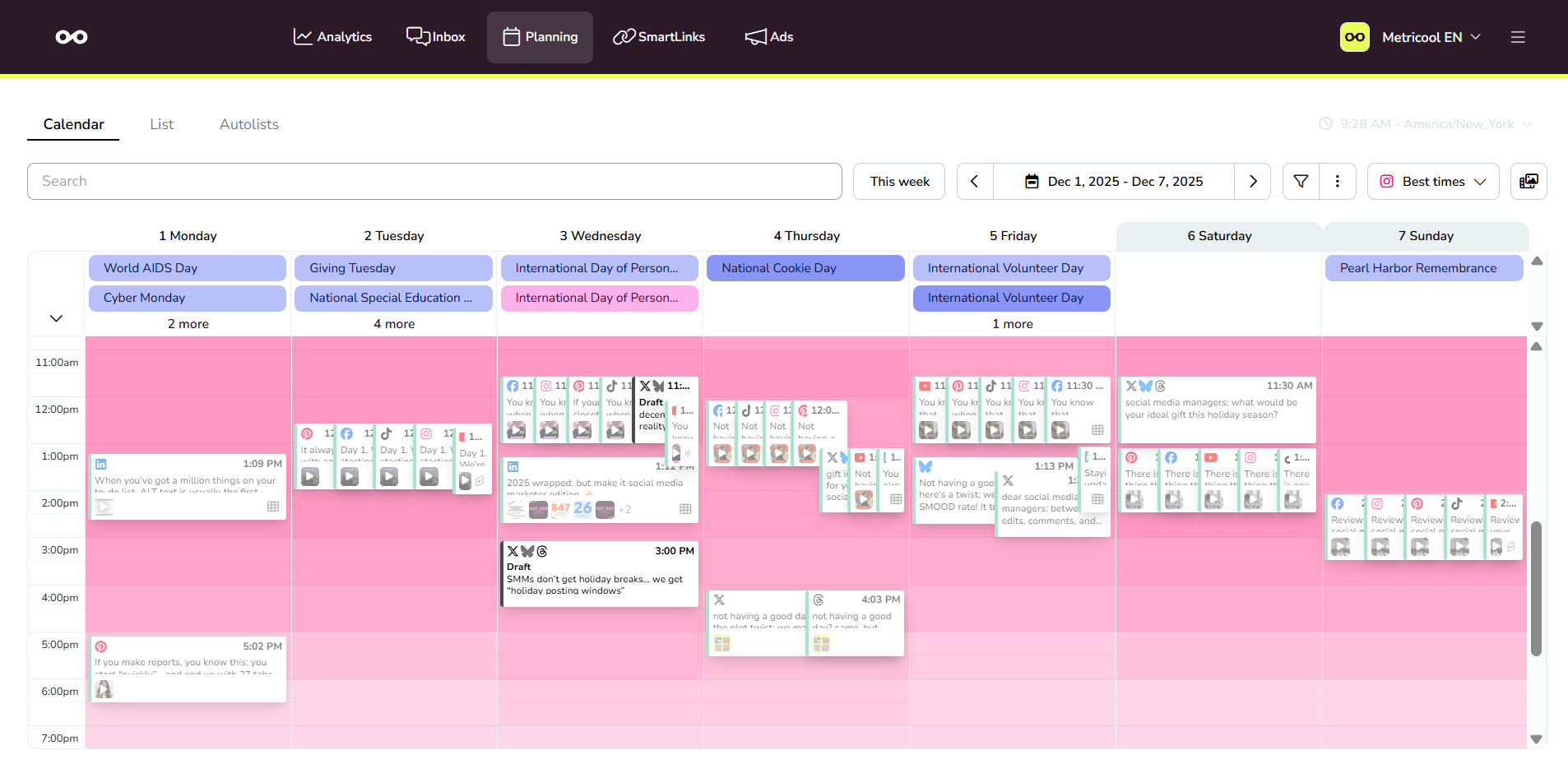
You choose what goes live, where and when
Edit the text, selected profiles and date before posting. The preview and calendar help you review a campaign's upcoming deliverables together.
Automatic publishing depends on the account type, format and network API. For example, some audio, effects and interactive elements on Instagram and TikTok require manual publishing through a notification. Check these settings for each post.
Advanced and Custom let you assign roles and send posts for review. The approval system is not included in Free or Starter.
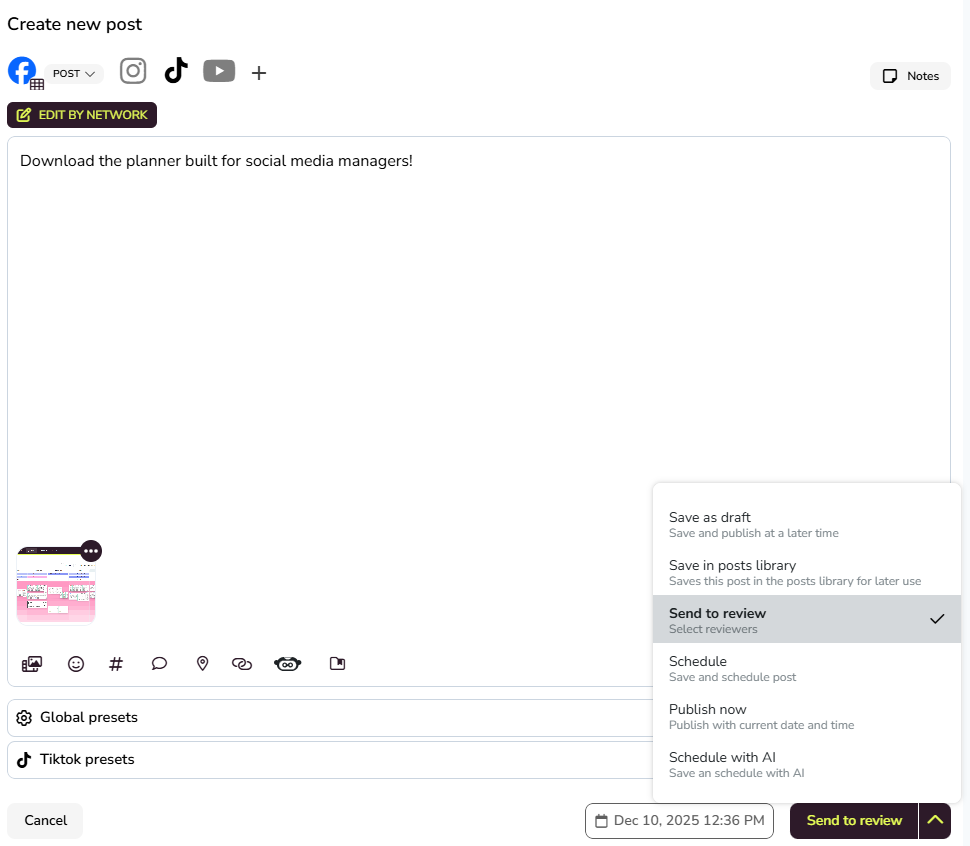
What it adds to your clipping workflow
- One calendar for finished content. Schedule and review posts for supported networks. Free allows 20 published posts per month; posting the same clip to three networks uses three of those posts.
- Metrics to review your deliverables. See the performance data each network provides. Free offers 30 days of history; paid plans extend history, subject to each platform's data recovery limits.
- Reports you can share. Starter and higher include PDF/PPT report downloads. Custom report templates and team and client management require Advanced or Custom.
- Reusable content. The Posts Library is available on paid plans, with up to 250 saved ideas per brand. Canva and Google Drive integrations also require a paid plan.
Pricing
- Free€0a month, never expiresOne creator and a smaller posting volume
- 1 brand
- 20 posts a month
- 30 days of analytics with a watermark
- No LinkedIn, X or PDF/PPT downloads
- Starter, 5 brands€20a monthMultiple client accounts and regular posting
- Up to 5 brands
- LinkedIn and PDF/PPT reports
- Extended history; X through an add-on
- €16/month equivalent, billed annually
- Advanced, 15 brands€54a monthTeam delivery and client review
- Up to 15 brands
- Roles and post approval
- Report templates, Looker Studio and API
- €43/month equivalent, billed annually
Published prices in euros, excluding applicable VAT; Metricool shows the calculation before purchase. Annual figures are monthly equivalents, not month-to-month payments. Other brand-count options exist, plus a Custom plan quoted by the provider. X and Advanced Analytics are separately paid add-ons. Paid plans have no monthly posting quota, subject to fair use: exceeding 600 posts per brand per month triggers a manual review, during which publishing pauses. As listed on their site on October 6, 2026. They may change.
Frequently asked questions
Does Metricool turn a podcast or stream into clips?
That is not its main purpose. This page covers publishing and analyzing prepared content. Select moments, edit video and create subtitles with a suitable editing tool first.
Is Free a temporary trial, and does it need a card?
No. It is an ongoing free plan with no expiry and no card requirement. It includes one brand, 20 monthly posts and 30 days of analytics with a watermark. Paid-plan trials have different terms.
How are the 20 posts counted?
The count covers posts actually published, not drafts, and resets on the first day of each month. Networks count separately: one clip posted to Instagram, TikTok and YouTube uses three posts.
Can I automatically schedule Reels, TikToks and Shorts?
Metricool supports scheduling content for Instagram, TikTok and YouTube, subject to each platform's requirements. Some audio, effects and interactive elements on Instagram or TikTok require a notification and manual completion in the native app.
When does a paid plan make sense?
When you need more brands, higher posting volume, LinkedIn or downloadable reports. Starter covers those needs; Advanced adds roles and approvals. Connecting X also requires its add-on. Available history depends on the data each network provides.